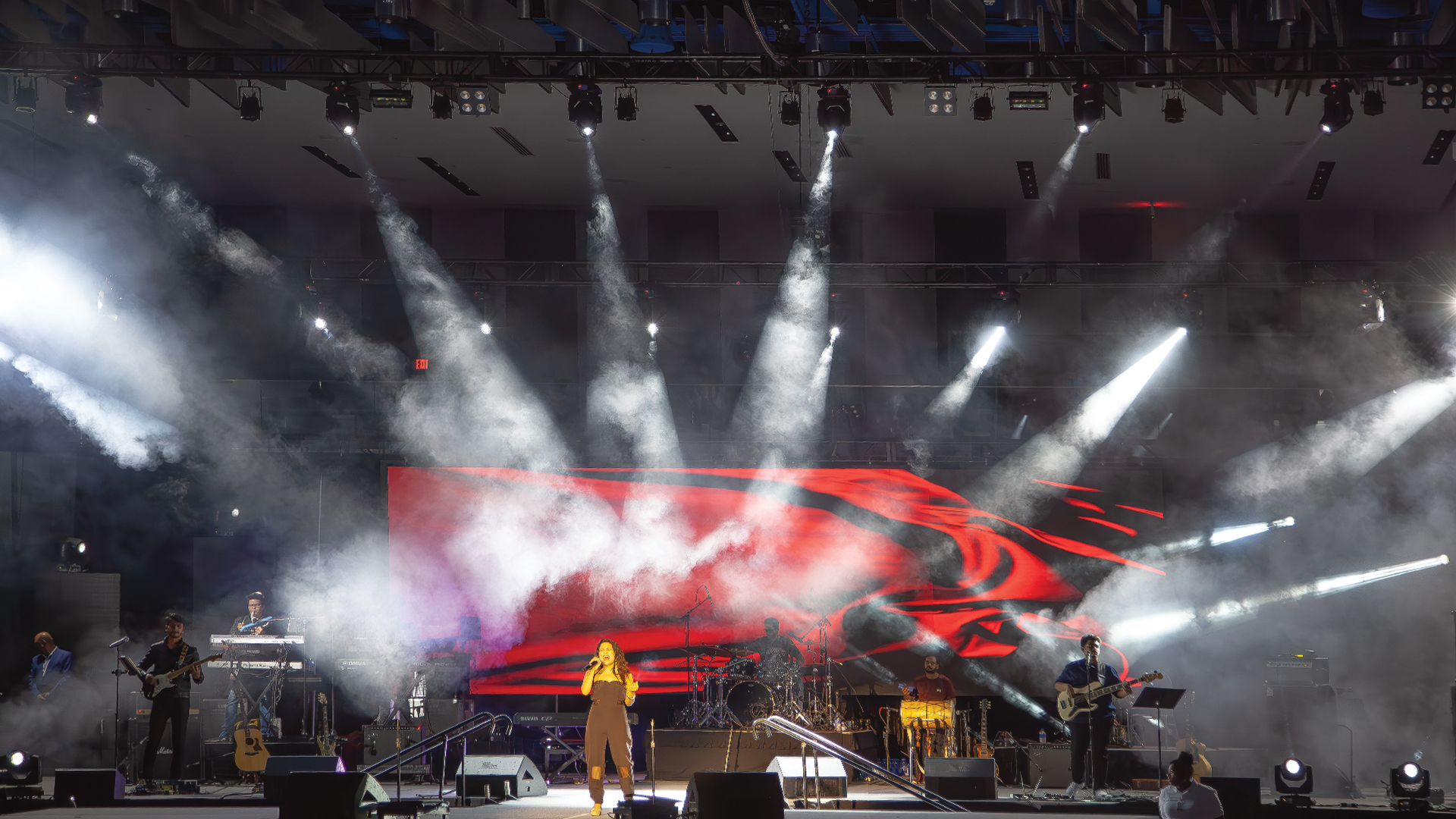
There is a moment that every content creator who hasn’t worked extensively in live events will experience at some point in their career: the moment when their carefully designed, exquisitely colour-graded video content appears on an LED wall and looks like it was made by a different person with entirely different intent. Colours that were subtle are now aggressive. Blacks are now dark grey. The gradient that was smooth on the MacBook Pro is banding visibly across 300 square metres of 3.9mm pixel-pitch LED. This moment, unpleasant as it is, is the beginning of understanding one of the more technically rich problems in live visual production.
The Monitor Is Lying to You
Every laptop display, every desktop monitor, and every grading reference display is calibrated — or at least intended to be — to a defined set of standards. sRGB is the baseline colour space for consumer screens and standard web content. DCI-P3 represents a wider gamut used in cinema grading and increasingly in high-end consumer displays like Apple’s XDR Retina panels. Rec. 709 is the broadcast video standard. Each of these colour spaces defines not just the gamut (the range of reproducible colours) but the gamma curve (the relationship between digital code values and displayed luminance) and the white point (the chromaticity of white in the image).
LED walls operate outside this framework. A high-quality ROE Visual CB5 or Absen Acclaim 2.5 panel can reproduce a colour gamut that significantly exceeds DCI-P3 — saturations are physically possible on the LED panel that don’t exist within the sRGB space your laptop displays. When you send that laptop’s sRGB content to a panel with native colour capability beyond sRGB, the panel’s colour processor either maps the content to its wider gamut (making colours more saturated than intended) or displays it raw (which may look accurate but ignores the panel’s native response curve).
The Gamma Problem: Why Blacks Are Grey
Gamma is the most immediate source of visible difference between a laptop and an LED wall. Consumer displays and broadcast monitors use gamma curves — typically gamma 2.2 for sRGB or gamma 2.4 for broadcast Rec. 709 — that map the relationship between digital code values and luminance output in a specific, standardised way. LED walls often use a linear or near-linear response in their native state, or apply their own proprietary gamma curve that may not match the content’s expected display gamma
The result: content graded on a gamma 2.2 monitor and sent without gamma management to a linear LED wall looks washed out — the blacks lift to grey, the midtones compress, and the image loses the perceptual contrast that made it look good on the source monitor. The fix is gamma correction in the video signal chain — either at the media server output (most professional platforms including disguise, Resolume, and Notch provide gamma and colour management settings) or at the LED processor level (Brompton Tessera and Novastar COEX processors both provide gamma adjustment per output).
Bit Depth and Banding: The Code Value Problem
The banding visible in smooth gradients on LED walls is the visual consequence of bit depth limitations in the signal chain. Most video signals are 8-bit — meaning 256 discrete luminance steps per channel. Across the large luminance range of a high-brightness LED wall, 256 steps may not be sufficient to represent a smooth gradient without visible contouring. Moving to a 10-bit signal chain — 1,024 steps per channel — dramatically reduces banding, and 12-bit operation (4,096 steps) essentially eliminates it for any practically encountered gradient.
The chain must be 10-bit end-to-end. A 10-bit source downsampled to 8-bit at the media server output has lost those extra steps. HDMI 2.0 supports 10-bit colour; DisplayPort 1.2 and above supports 10-bit. HDMI 1.4 does not support 10-bit in all configurations. Checking the output specification of the media server and the input capability of the LED processor is step one of any high-quality content pipeline
Peak Brightness and HDR: The Eye Adaptation Factor
LED walls in live events often operate at 500–1500 nits peak luminance — far above the 80–200 nits typical of calibrated broadcast monitors and laptop displays. When content graded at 100 nit peak white is displayed at 1,000 nits on an LED wall, the entire tonal range is compressed into the bottom 10% of the wall’s luminance capability. Highlights clip, detail is lost, and the image looks unnaturally aggressive.
The solution is either to calibrate the LED wall to a matching luminance level (pulling brightness down significantly), or to master content specifically for the LED wall’s operating luminance using an HDR (High Dynamic Range) workflow. PQ (Perceptual Quantiser) and HLG (Hybrid Log-Gamma) transfer functions — the two dominant HDR standards — encode luminance information differently from traditional gamma and allow content to make full use of the LED wall’s luminance range when used with a compatible media server and LED processor pipeline.
The Practical Solution: A Camera and a Calibration Session
For productions where colour accuracy on the LED wall is critical — XR productions, broadcast-adjacent live events, luxury brand experiences — the investment in a pre-show calibration session with a spectrometer or a calibrated reference camera is the most reliable path to a consistent result. Brompton’s OSCA system, or a manual calibration session using a Konica Minolta CS-2000 spectrometer, establishes the actual chromatic output of the panels and creates correction profiles that bring the wall’s response into alignment with the content’s colour space. This is the difference between an LED wall that looks like a calibrated display and one that simply looks bright.
