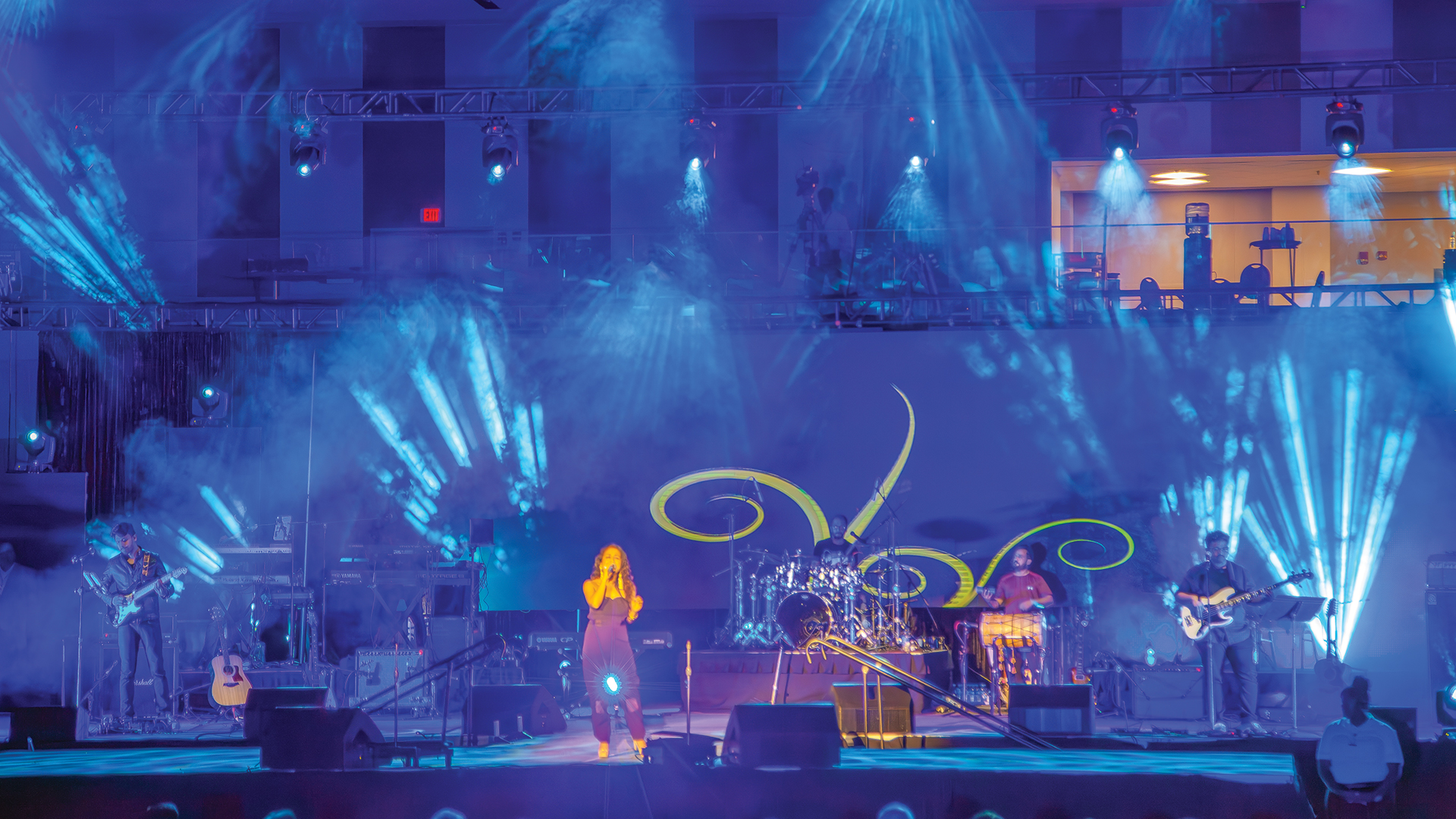
A stage diagram is the closest thing live production has to a universal language. When it works — when a crew member can pick it up at load-in and immediately understand where everything goes, how it connects, and what their responsibilities are — it functions as a force multiplier that saves hours and prevents costly setup errors. When it fails, it becomes a source of confusion that multiplies across every department that touches it.
The craft of building stage diagrams that communicate instantly and unambiguously draws on principles of technical drafting, information design, and practical production experience. It is also a discipline that has evolved significantly as the tools available to production professionals have advanced from hand-drafted paper plots to sophisticated CAD-based production design software capable of generating entire documentation packages from a single drawing set.
How Production Drafting Evolved
Before the digital era, stage diagrams were hand-drafted on vellum paper with technical pens, following conventions developed by the United States Institute for Theatre Technology (USITT). The USITT drafting standards — still widely referenced today — defined symbol libraries, dimensioning conventions, and documentation structure for theatrical production plots, establishing a professional language that the industry built on for decades.
The shift to digital drafting began in earnest with AutoCAD in the early 1990s. The introduction of Vectorworks Spotlight in the mid-1990s transformed production documentation specifically — offering a dedicated entertainment industry symbol library covering lighting fixtures, rigging points, truss configurations, speaker positions, and video infrastructure, with the ability to connect those symbols to databases that automatically generate instrument schedules, channel hookups, and gear lists directly from the drawing.
Choosing the Right Documentation Tool
For professional lighting and production documentation, Vectorworks Spotlight is the effective industry standard. Its integration with the Vision previsualization engine, its shared symbol library, and its widespread adoption across touring, theatrical, and corporate production make it the default platform for designers working at a professional level. Most lighting designers producing work that crosses production company boundaries deliver their plots in Vectorworks.
For audio-focused documentation, AutoCAD remains common in larger companies. Microsoft Visio, Lucidchart, and OmniGraffle serve the band stage plot and quick-reference documentation niche — sufficient for showing instrument positions, monitor feeds, and basic audio topology without requiring full CAD capability. At the high end, CAST Software’s wysiwyg and Depence by Syncronorm combine 2D drafting with 3D visualization, producing documents that serve simultaneously as technical references and previsualization models.
Orientation, Scale, and Reference Geometry
Every stage diagram must begin with three non-negotiable elements: a clearly marked stage orientation indicator showing the direction toward the audience, labeled stage left and stage right from the performer’s perspective, and a graphic scale bar that allows the reader to verify dimensions even when the document has been resized from its original format.
The diagram should be produced at a consistent architectural scale — 1:50 or 1:25 in metric, or 1/4 inch equals 1 foot in imperial — with every major structural element carrying a dimensioned measurement referenced from a consistent datum point, typically center stage or the stage lip. Drawings produced without scale discipline are responsible for a disproportionate share of site measurement errors in production — a phenomenon experienced production managers recognize immediately when a stage element arrives at a venue and doesn’t fit where the diagram said it would.
Layering by Department
A single stage diagram attempting to show lighting positions, audio infrastructure, video systems, power distribution, rigging, and set pieces simultaneously is unreadable to everyone. Professional production documentation uses layer-based organization — each department’s information lives on its own drawing layer, allowing any combination of layers to be printed or displayed independently. A carpenter needs to see the set and rigging layers. A sound engineer needs audio and power layers. Both need the stage dimension reference geometry that underpins everything else.
Effective layer structure also serves as a permissions and relevance filter. Crew members don’t need to interpret information outside their discipline to find what they need. This reduces cognitive load, accelerates the practical use of the document, and reduces the probability that someone misreads information from a different department’s layer as applicable to their work.
Symbol Conventions and Legend Standards
Every symbol used in a stage diagram must appear in a legend on the same page where it is used. This rule is routinely violated by designers who assume that the receiving crew will recognize their symbol choices, and the violations consistently produce load-in errors. The USITT symbol library provides standardized representations for most theatrical lighting fixtures. Audio and video symbols are less universally standardized, which makes a clear, complete legend even more critical in multi-department documents.
The most operationally useful symbols are immediately recognizable as the physical objects they represent. A simplified silhouette of a fixture that crew can visually match to the physical gear is more useful than a rectangle labeled with a model number. Vectorworks Spotlight’s symbol library includes manufacturer-accurate fixture representations for hundreds of current and legacy fixtures for exactly this reason — visual recognition accelerates physical deployment in ways that text-only representations cannot.
Cable Routing and Signal Flow Notation
Where a stage diagram includes cable routing — and for audio system plots, this is often the primary purpose of the document — routing lines must follow a hierarchical visual weight system. Primary signal paths use heavier line weight or a distinct color. Secondary paths use lighter line weight. Power runs must be visually differentiated from signal cables to prevent the miswiring that happens when installers can’t distinguish between them at a glance.
Signal flow arrows showing direction from source to destination are essential in any diagram with more than a handful of connections. The arrow convention must be consistent throughout the document: unidirectional signals carry a single arrowhead, bidirectional or return paths carry a double arrowhead, and AES digital audio or network data paths are visually distinct from analog signal paths. Without this visual grammar, the diagram describes what is connected but not how the signal actually flows — a critical omission for troubleshooting.
The One-Page Rule for Load-In Crews
For load-in crew use, the most operationally important attribute of a stage diagram is that the essential information fits on one page. A crew member at a loading dock needs to be able to answer the questions governing their immediate work — where does this piece go, what connects to it, what are the critical dimensions — without navigating a multi-page technical document.
A well-executed one-page crew reference is a design achievement that requires the production designer to understand exactly what information different crew roles need and prioritize it ruthlessly. It is also a significant competitive operational advantage for the production companies that invest in building them properly. A stage document that communicates without explanation accelerates load-in, reduces errors, survives crew changes, and creates a production memory that outlasts any individual technician’s involvement in the project.
